CMS or Built from Scratch? Understanding the Difference Between the Two Approaches

CMS or Built from Scratch? Understanding the Difference Between the Two Approaches
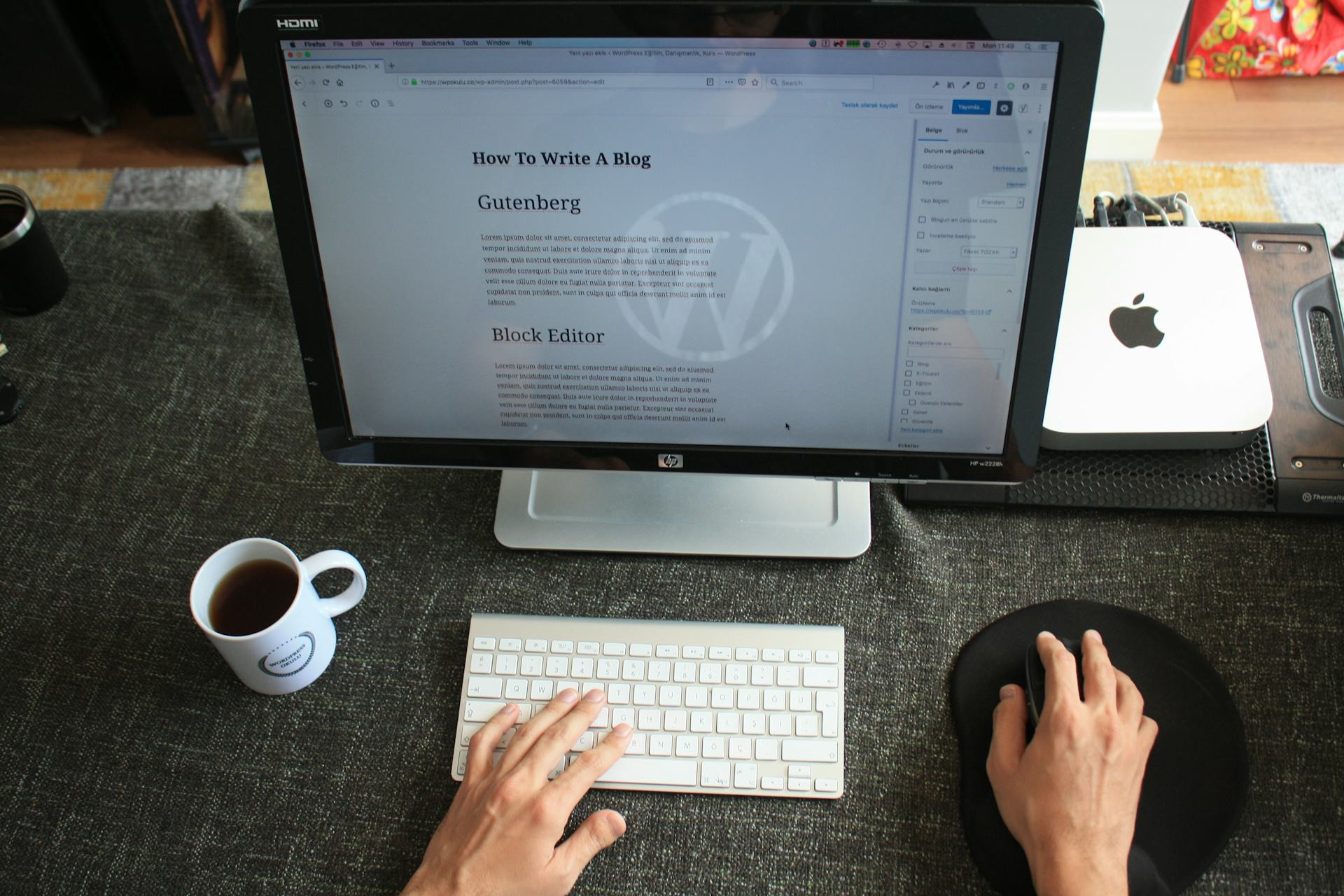
When you’re planning a new website, one of the first big decisions you’ll face is whether to use a CMS (Content Management System) like WordPress, Drupal, or Squarespace — or to build it from scratch with custom code. Both approaches have their strengths and weaknesses, and the right choice depends on your goals, budget, and technical resources. Here’s a breakdown to help you make an informed decision.
What Is a CMS?
A CMS is a platform that allows you to create, edit, and manage website content without having to code everything manually. It provides a user-friendly interface where you can log in, add pages, upload images, and publish content — often with little to no technical expertise.
Popular CMS platforms like WordPress and Squarespace make it easy to get started. You can choose a theme, install plugins or extensions, and quickly launch a professional-looking site. This approach is especially popular among small businesses, bloggers, and nonprofits that want flexibility without relying on developers for every update.
Advantages of a CMS
- Ease of use: You can update content yourself without coding knowledge.
- Quick setup: Pre-built themes and templates make it easy to launch fast.
- Large ecosystem: Thousands of plugins and integrations add features like e-commerce, SEO tools, and contact forms.
- Lower initial cost: Much of the functionality is already built, saving time and money.
Disadvantages of a CMS
- Limited flexibility: You’re constrained by the system’s structure and available plugins.
- Security risks: Popular CMS platforms are frequent targets for hackers and require regular updates.
- Performance issues: Too many plugins or heavy themes can slow down your site.
- Dependency: You rely on third-party developers for updates and compatibility.
What Does It Mean to Build from Scratch?
Building a website from scratch means writing the code yourself — typically using HTML, CSS, JavaScript, and a backend language like Python, PHP, or Node.js. This approach gives you complete control over design, functionality, and performance.
Custom-built websites are often chosen for projects that require unique features, complex integrations, or highly specific user experiences — for example, web applications, booking systems, or platforms that handle sensitive data.
Advantages of Building from Scratch
- Full control: Every aspect can be tailored to your exact needs.
- Better performance: The code can be optimized for speed and efficiency.
- Enhanced security: Custom code is less likely to have known vulnerabilities.
- Scalability: Easier to expand and adapt as your business grows.
Disadvantages of Building from Scratch
- Higher cost: It requires more development time and specialized expertise.
- Longer development time: Everything must be built from the ground up.
- Ongoing maintenance: You’re responsible for updates, bug fixes, and improvements.
- Technical dependency: You’ll need a developer to make most changes unless a custom admin system is built.
Læs også:



When Does a CMS Make the Most Sense?
A CMS is ideal if your website’s main purpose is to present content — such as a blog, portfolio, small business site, or online store. It’s also a great choice if you want to manage updates yourself without hiring a developer every time you need to change text or images.
For many small and mid-sized U.S. businesses, a CMS offers the best balance between cost, functionality, and flexibility. It allows you to get online quickly and maintain your site easily.
When Should You Build from Scratch?
If your project requires unique functionality, complex integrations, or a highly customized design, building from scratch may be the better option. This is especially true for web applications, membership platforms, or systems that need to connect with internal databases or APIs.
It’s also a smart choice if you want maximum control over performance, security, and scalability — for example, if you’re building a startup platform or a high-traffic service.
A Hybrid Approach – The Best of Both Worlds
Many modern websites use a hybrid approach, combining a CMS with custom-built components. For instance, you might use WordPress for content management but develop custom modules or integrations on top of it. This approach offers flexibility without starting entirely from zero.
However, it requires working with a developer who understands both the CMS framework and custom coding to ensure everything runs smoothly.
How to Choose the Right Solution
When deciding between a CMS and a custom-built website, consider these questions:
-
What’s the main purpose of your site? Is it primarily for content presentation, or does it need to handle complex tasks?
-
Who will maintain it? Will you manage updates yourself, or do you have technical support available?
-
What’s your budget and timeline? A CMS is faster and cheaper to launch, while a custom build requires more investment.
-
How important are flexibility and performance? If you expect to scale or need unique features, a custom solution may pay off long-term.
Conclusion: There’s No One-Size-Fits-All Answer
There’s no universal right choice between a CMS and a custom-built website. The best option depends on your goals, resources, and long-term vision. A CMS can be a quick, cost-effective way to get online, while a custom build offers complete freedom and control.
The key is to choose a solution that fits your current needs — and can grow with you as your business evolves.
Læs også: